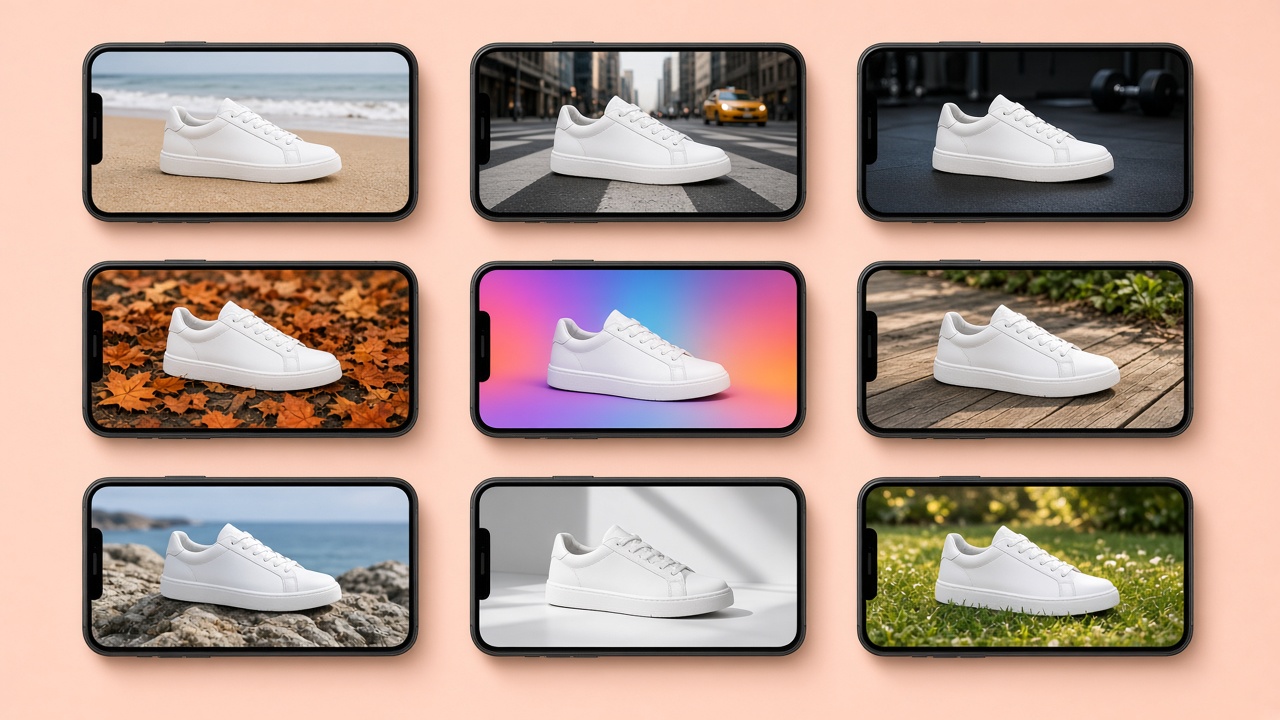
How to make a product video: filming, AI or both (and what it costs)
The main types of product video, what Belgian video producers charge, what AI can already do from a single product photo, and how to choose between filming and AI.
By The Vela Team
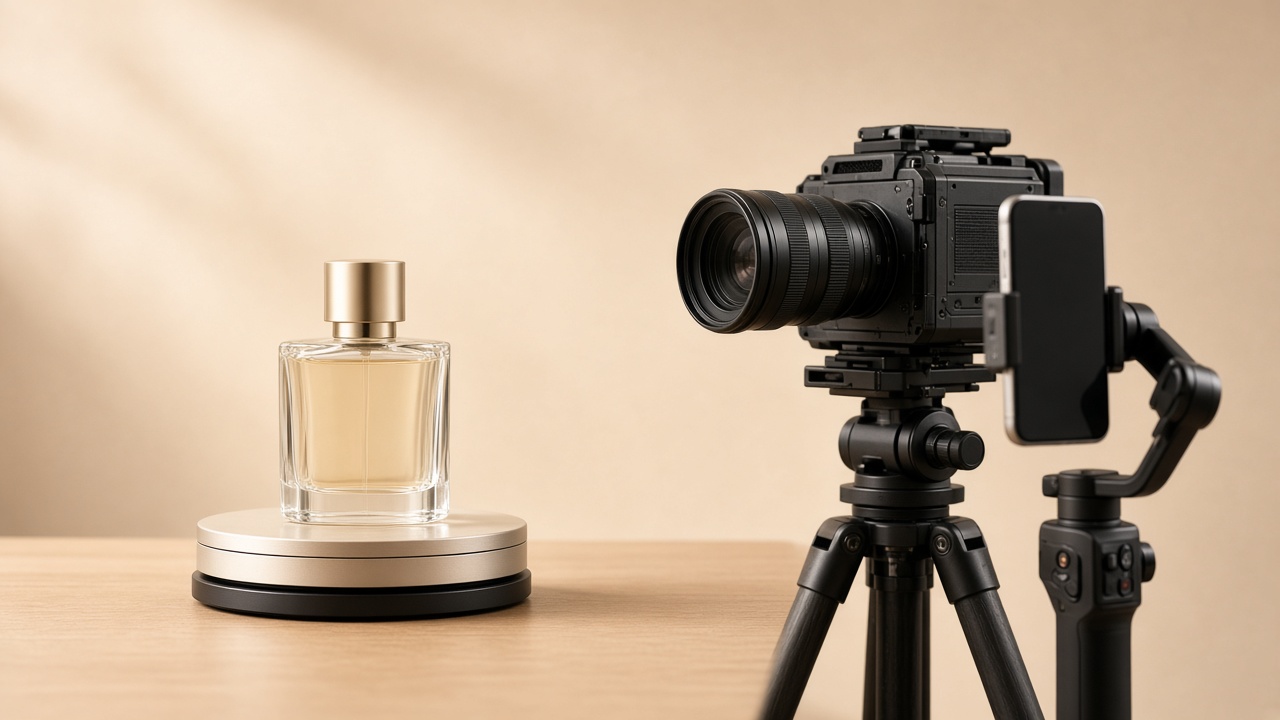
Short answer: there are two ways to make a product video, and they often work best together. Filming with a Belgian video agency, including a shoot day and editing, usually costs several thousand euros: Wicam Productions quotes a range of €1,500 to €8,000 for a product video (Wicam, French), and Varamedia puts an average video project at €1,500 to €2,000 (Varamedia, Dutch). AI can now turn a single existing product photo into short product videos for social media, ads and your online shop, for a fraction of that. If you need to show how a product works, filming is still the better choice.
Below we cover the types of product video, what drives the price, what AI can and cannot do, and how to decide what to film and what to make with AI.
What types of product video are there?
"Product video" is an umbrella term. Before you ask for a quote, it helps to know which type you need, because that sets the price and the approach.
| Type | What you see | Typical length | Film or AI? |
|---|---|---|---|
| 360° video | The product rotates | 5 to 15 sec | Either; AI from good packshots |
| Lifestyle video | The product in a setting, with movement and light | 5 to 20 sec | AI is strong here |
| Social clip | Short vertical video for Reels, Stories or TikTok | 6 to 30 sec | AI or film |
| Ad variant | The same message in several versions and formats | 6 to 15 sec | AI, because of the volume |
| Demo or explainer | How the product works, is used or assembled | 30 sec to 2 min | Film |
| UGC style | A "customer" showing or reviewing the product | 15 to 60 sec | Film with real people, or AI clearly disclosed |
These lengths are rules of thumb from practice, not rules. Think first about where the video will run.
How much does a product video cost in Belgium?
There is no standard price; every agency calculates differently. These are publicly listed price guides from Belgian providers, as they appeared online on 16 October 2026:
| Provider | What | Price guide | Source |
|---|---|---|---|
| Wicam Productions | Product video (e-commerce, demonstration) | €1,500 to €8,000 | Wicam |
| Wicam Productions | Short reel for social media | €125 to €375 | Wicam |
| Varamedia | Average all-in video project (including product videos) | €1,500 to €2,000 | Varamedia |
| sofie.be | One short product video (online package) | from €197 | sofie.be |
| Vela | 5 videos a month included in Vela Studio, then €7 per video | €195 a month + €750 one-off build | Vela pricing |
Do not compare the total price alone. A €3,000 production might give you one excellent one-minute video, while for ads you may need twenty short variants. Work it back to the price per usable video per channel.
What drives the price of a product video?
Wicam breaks down the cost items: script (€500 to €2,000), filming with crew and equipment (€1,000 to €10,000), editing and post-production (€800 to €5,000) and voice-over and music (€300 to €1,500) (Wicam). In practice, these factors matter:
- Shoot time and location. Studio or on location, half a day or a full day.
- People on screen. Actors, models or a presenter add cost and need agreements on image rights.
- Number of versions. Every extra length, language and format (16:9, 9:16, 1:1) takes editing time.
- Animation and effects. Motion design and 3D are a separate discipline.
- Revision rounds. Ask up front how many changes are included.
Making a product video with AI: what works and what does not
AI video models turn a still image into a short video: the camera moves around the product, light shifts, steam rises from a cup of coffee, a dress moves in the wind. The key is to start from a real photo of your real product. That keeps what you sell recognisable; only the setting and the movement are generated.
Where AI is strong:
- Volume and variety. Ten settings, three formats and five ad angles from one packshot. Exactly what you need to beat ad fatigue on Meta.
- Speed. No shoot day to plan; new seasonal videos within days.
- Formats. Each video composed for 9:16, 1:1 or 16:9 rather than cropped. Which format goes where is covered in our guide to image and video formats.
Where you are better off filming:
- Showing how it works. How an appliance works, how something is assembled or how a texture feels: customers want to see the real thing. A generated demo can be misleading.
- Real people and testimonials. A customer story has to come from a real customer.
- Small text and technical details that must stay sharp in motion, such as a display or an engraving. With AI, always check frame by frame.
To judge an AI tool on product accuracy, read how to make AI product photos: which tool to choose.
Filming, AI or both: how to choose
Ask three questions for every video:
- Does the customer need to see how it works? Yes: film it. No: AI is an option.
- Do you need lots of variants? For ads and social, yes: AI keeps that affordable.
- Do you already have a good product photo? Then AI can start right away. If not, begin with a good packshot; the method is in white background product photography.
For most small businesses a combination works best: film once, professionally, for your demo or brand video, and use AI for the steady stream of short lifestyle and ad videos you need every month.
What about filming it yourself on a phone?
For simple videos that works fine, especially if your product is small and you do not need many versions. A few ground rules:
- Tripod and locked exposure. A shaky picture and jumping exposure give away an amateur recording straight away. Lock focus and exposure before you start filming.
- One movement per shot. Five short, calm shots beat one long take where everything happens at once.
- Soft daylight from the side. The light that works for product photos works for video too.
- Frame wide. That way you can cut both a landscape version for your shop and bol.com and a vertical version for social from the same footage.
- Sound separately. Add music or a voice-over in the edit rather than keeping background noise.
A sharp, well-lit product photo from that session is also the best starting point for AI video.
Where should you use your product video?
- On your product page. A short video next to your photos shows what photos cannot: movement, scale, use. Keep it short and make sure it works without sound.
- On bol.com. bol.com shows one video per item (the most recently uploaded), converts every video to 16:9 and accepts files from 1 MB to 1 GB in formats including mp4 and mov (bol.com Partner Platform, Dutch). So supply a landscape version.
- In Reels, Stories and TikTok. Vertical 9:16, with the product on screen in the first second.
- In ads. Several short variants, so you can test and refresh.
Checklist: how to brief a product video
Whether you hire a video agency or work with AI, a good brief saves revision rounds:
- Goal and channel: where will the video run, and what should the viewer do next?
- Formats and lengths: which ratios (16:9, 9:16, 1:1) and how many seconds?
- Key message: one benefit per video, not five.
- Source material: your best product photos, logo, colours and any existing video.
- What must not change: label, colour, proportions, mandatory statements.
- Versions and languages: for a Belgian audience, often Dutch and French as well as English.
- Revisions and rights: how many changes are included and where can you use the video?
If you work with AI, think about transparency too. When an AI label is needed is explained in labelling AI images under the AI Act.
Product videos from one photo, every month
At Vela we make images and video from one photo of a product you already sell: short clips, ads, explainers and social content, in ten video formats. Vela Studio includes five videos a month and the studio built around you fifteen, with optional modules for UGC and motion videos (pricing). Send us one product photo and we will show you what it looks like in motion.
Frequently asked questions
How much does a product video cost?
+
With a Belgian video agency, a product video with a shoot and editing usually costs several thousand euros. Wicam Productions quotes €1,500 to €8,000 and Varamedia puts an average project at €1,500 to €2,000. Short, simple clips are available from a few hundred euros. With AI, starting from an existing photo, the price per video is much lower.
Can you make a product video with AI?
+
Yes. AI turns an existing product photo into short videos with camera movement, mood and light, suitable for social media, ads and your online shop. Always start from a real photo of your product. For demos that show how a product works, filming is still the better choice.
How long should a product video be?
+
It depends on the channel. Lifestyle and ad videos often work at 6 to 20 seconds, social clips up to 30 seconds. A demo or explainer can run from 30 seconds to a few minutes. Make sure the product is on screen in the first second.
Can I add a product video on bol.com?
+
Yes. You upload it in the product information under 'Optional'. bol.com shows one video per item, converts it to 16:9 and accepts files from 1 MB to 1 GB in formats including mp4 and mov. Avoid spaces and special characters in the file name.
Do I have to say my product video was made with AI?
+
Not always. According to the European Commission's AI Act guidelines, your real product in an AI-generated setting, without misleading anyone about the product, is generally not a deepfake. A realistic AI-generated person unboxing or testing your product, as in a UGC-style video, is: that video needs a visible label, ideally right at the start. Always show your product as it really is.
Ready to ship content that catches the wind?
Book a live intro and see the studio in action.