Brand consistency at generative scale
The three guardrails every brand needs before letting an AI model touch its identity.
By The Vela Team
Short answer: you achieve brand consistency in AI images by locking three things, and only those three: palette, subject and composition. Everything else, such as setting, season and format, can vary. Do not let AI create your logo and text; add them as a separate layer. And give every image a short check before it goes live.
The scariest part of generative content is not the quality. It is the drift. Ten images look great in isolation, until you line them up and realise none of them share a visual language.
Why AI images drift
An AI model creates a new image for every request, even with exactly the same prompt. That is its strength, and also its risk. Without guardrails:
- colours shift slightly, from warm to cool;
- light switches from soft morning light to hard studio flash;
- framing changes from spacious and calm to tight and busy;
- and labels and packaging sometimes get guessed rather than reproduced.
With ten images that is manageable. With hundreds of images a month across feed, ads and web shop, it becomes a brand that looks different every week.
The three guardrails
We treat a brand as three layers. Lock those, and only those. Lock too much and everything turns monotonous. Lock too little and everything drifts.
| Guardrail | What you lock | What can vary |
|---|---|---|
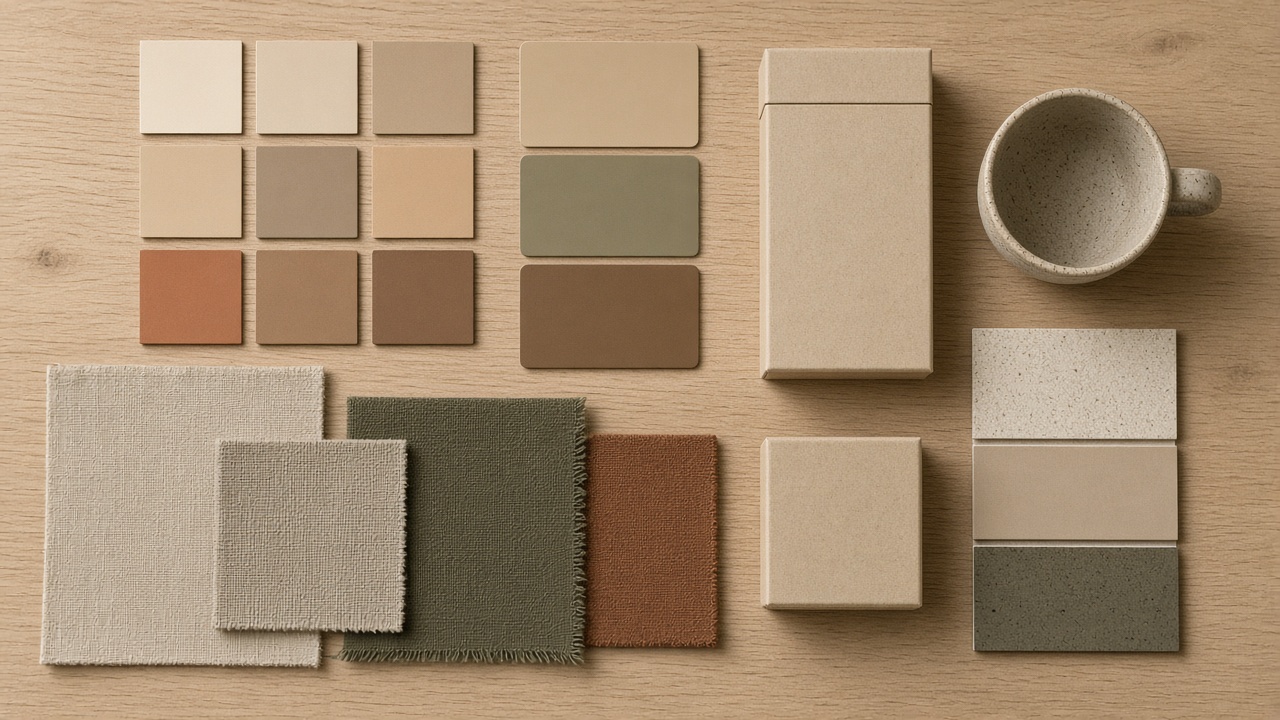
| Palette | Primary and accent colours, colour temperature, contrast | Colours of the setting within that palette |
| Subject | The real product, label, packaging, materials | Setting, season, props |
| Composition | Lighting style, camera angle, space around the product, position in frame | Format and aspect ratio |
1. Palette
Do not just lock your brand colours, but also how warm or cool your images feel and how much contrast they have. A brand with soft, warm tones quickly loses recognition if one campaign is suddenly cool and high-contrast.
2. Subject
The product is sacred. Shape, colour, proportions and label must be exactly right in every image. That is why Vela always starts from your own product photos and the studio learns your products, colours and labels from your own files. General tools do not know your product and guess at your label. Which model we use for that is explained in How Vela chooses the right AI model for product visuals.
3. Composition
Lock how your product appears in frame: which light, which camera angle, how much space around the product, where it sits. That is what holds a series together, even when the settings are completely different. Note that composition differs per format. A 9:16 Story needs a different build from a 16:9 banner, as described in Static vs video: what to generate when.
What you should not let AI create
Some brand elements do not belong in the generated image:
- Your logo. Add it as a separate layer, in the right colour and position.
- Text, prices and CTAs. Add these afterwards too, so they stay correct and editable.
- Exact brand colours in graphic elements. A badge or frame goes on precisely, not "roughly".
At Vela you can add text, a logo, CTA or badge to any image and change it later without regenerating the image.
A reference set that works
Alongside the three guardrails, a small set of approved images helps enormously. Here is how to build one:
- Choose ten to fifteen images that represent your brand perfectly, from past shoots or early AI series.
- Note why they work: the light, the colour temperature, the space around the product.
- Judge new images against that set, not against your memory.
- Update the set when a new image is better than what is already in it.
Checklist for every image
- Is the product right, including label and small print?
- Are the colours within the palette?
- Do the light and composition match the guardrails?
- Does the image sit well next to the other images in the same campaign or feed?
- Are there no unwanted text, logos or artefacts?
- Does the image show the product honestly, as it really is?
That last question is not just about brand. An image that makes your product look better than it is leads to returns and can fall under EU rules on AI content.
Why this makes you faster
Fixed guardrails sound like a brake, but they are exactly what makes speed possible. Capture your brand properly once and you no longer debate colour or style for every image. That takes you from brief to publish in hours, as described in Catching the wind: shipping content faster with AI.
At Vela, your products, colours and labels are trained in before you log in. The studio is yours and is never reused for another brand. See what you get, or send us one product line with your brand guidelines and book an introduction.
Frequently asked questions
What is brand consistency in AI images?
+
Brand consistency means all your AI images look recognisably like the same brand, even across different settings, formats and campaigns. You achieve it by locking fixed guardrails for colour palette, subject and composition.
Why do AI images often look inconsistent?
+
An AI model creates a new image for every request, even with the same prompt. Without fixed guardrails, colours, light and style shift slightly from image to image. Individually they look good, but side by side they do not share a visual language.
Should I let AI generate my logo?
+
No. Let AI create the image and add your logo, text and exact brand colours afterwards as a separate layer. At Vela you can add text, a logo, CTA or badge and edit it later without regenerating the image.
How do I check whether an AI image fits my brand?
+
Use a short checklist: are the product and label right, are the colours within the palette, do the light and composition match your guardrails, and does the image sit well next to the other images in the same campaign?
Is my brand studio at Vela used for other brands too?
+
No. Your products, colours and labels are trained into a studio that belongs to you. It is never reused for another brand.
Ready to ship content that catches the wind?
Book a live intro and see the studio in action.